
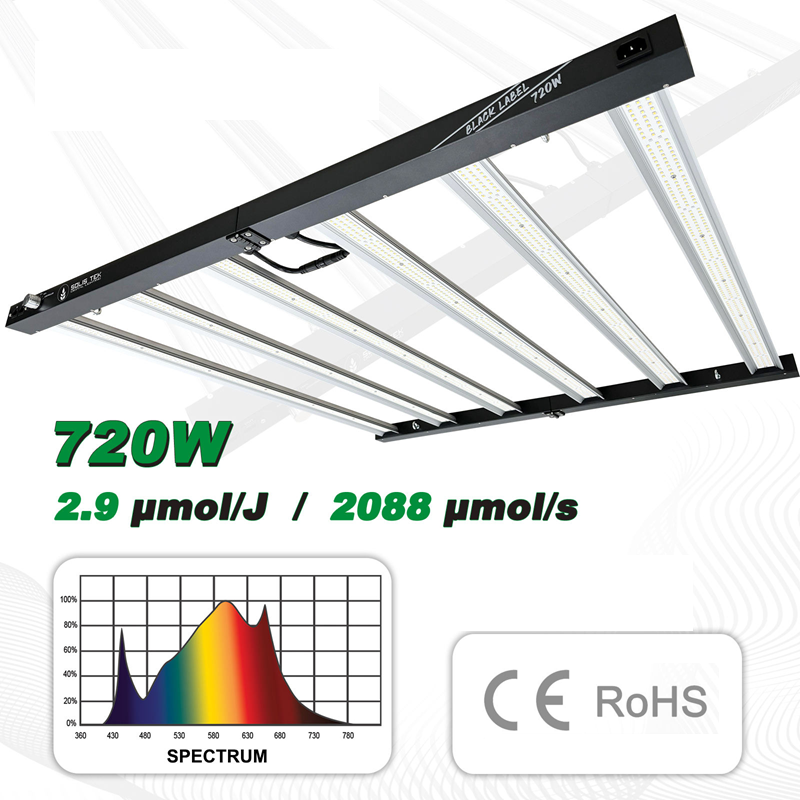
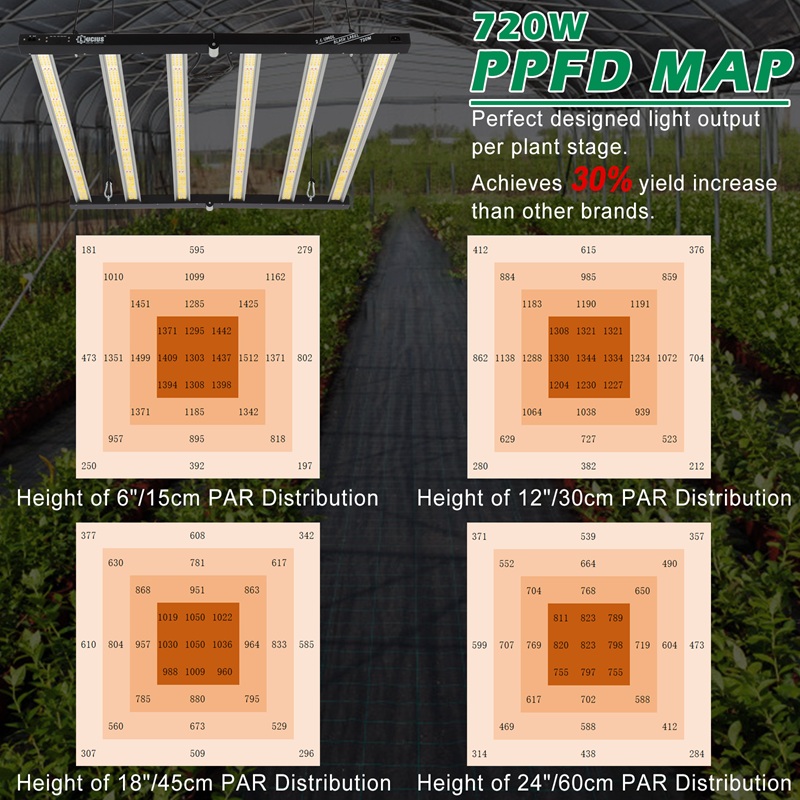
Lucius Full Spectrum Led 720w
- Product Code:Lucius Led 720w
- Availability:Out Of Stock
-
$550.00
LUCIUS Digital Lighting – Controller Functionality & Instructions
Functionality
The Lucius Digital Lighting controller provides convenient control over light output, timing and multiple-light operation.
- Adjustable power output: 25%, 50%, 75% and 100%
- Power outage memory retention helps restore settings after a temporary power interruption
- Timer LED indicator illuminates when the timer has been set
- SR/SS indicator illuminates when Sunrise/Sunset mode has been set
- Master Control LED displays FL when Master Control mode is active
- If the LED has not received a command for approximately 2 minutes, the screen will turn off while the LED continues operating normally
- If an error code is displayed, the screen brightness will dim by approximately 50% and remain visible until the issue is resolved
LED Screen Display
The LED screen can display:
- Power wattage settings
- Timer ON/OFF settings
- Error codes
- FL – Master Control
Button Operation
There are 3 ways to operate the buttons:
Short Press: Used to cycle through available wattage settings or enter Timer mode.
Press and Hold for more than 3 seconds: Used to enter/clear Sunrise/Sunset mode or erase Timer settings.
Hold both buttons simultaneously for more than 3 seconds: Used to enter or exit Master Control mode.
Power / Sunrise-Sunset Button
Short Press:
Press the button briefly to cycle through the available power output levels.
Press & Hold >3 Seconds:
Activates Sunrise/Sunset Mode. Press and hold again for more than 3 seconds to clear Sunrise/Sunset mode.
Sunrise/Sunset functionality can be enabled while using Timer mode.
Timer Button
Short Press:
Press the Timer button to enter Timer Mode.
Press & Hold >3 Seconds:
Clears the programmed Timer setting.
Timer Programming
When the Timer button is pressed, the display enters the programmed ON/OFF time setting.
For example:
1806 = Light ON for 18 hours and OFF for 6 hours.
If the display shows 12, this represents 12 hours ON / 12 hours OFF.
Factory timer combinations include:
1212 / 1806 / 1905 / 2004 / 2103 / 2202 / 2301
After selecting the programmed timer, the ON duration can be customised from 01–23 hours, followed by the OFF duration from 01–23 hours.
Once the display flashes 5 times without another button being pressed, the Timer setting is saved.
Master Control Mode
Press and hold both buttons simultaneously for more than 3 seconds to enter Master Control mode.
The screen will display FL, indicating that the fixture is operating as the master light. Other compatible connected lights will then follow the settings of the Master LED.